

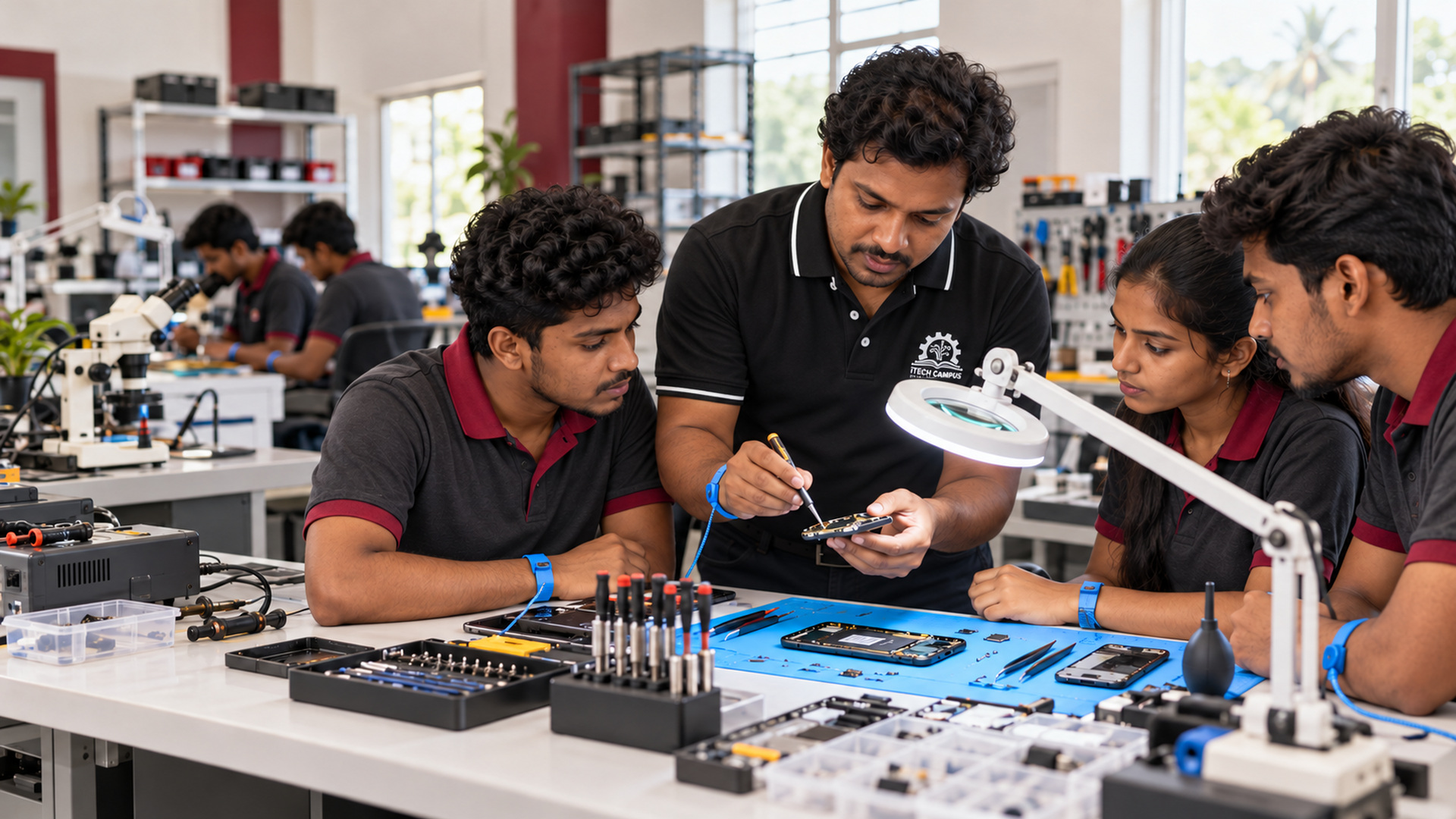
 Your learning pathway
තාක්ෂණික පුහුණුව
ජාල තාක්ෂණික පුහුණුව
කේබල්, IP ලිපින, ජාල සැකසුම් හා සම්බන්ධතා දෝෂ සෙවීම ප්රායෝගිකව ඉගෙනගන්න.
Duration04 Months
Course feeLKR 40,000
CampusBatticaloa
Confirm the next intake, registration charges and payment arrangements with admissions.
Build practical skill. Create your next opportunity.
A network technician needs to understand both a cable connection and the services that run across it. This course introduces network devices, local-area network layouts, IP addressing and the basic roles of switching, routing and wireless access. Learners connect diagrams and configuration choices to everyday connectivity problems.
Authorised practice networks provide a setting for assembling connections, configuring hosts and checking the path between devices. Learners use test results to distinguish physical faults from addressing or service issues. Documentation, configuration backups and a careful change process help turn a working setup into one that another technician can understand and maintain.
Practical learningCareer skillsBatticaloa
What you will explore
An overview of the learning areas. See the current course modules below for the curriculum entered by the campus.
Cabling, connectors and physical link checks
IPv4 addressing, subnet concepts and gateways
Switching, routing and basic network segmentation
Wireless setup and connectivity considerations
DNS, DHCP and internet-service foundations
Network testing and systematic troubleshooting
Diagrams, configuration records and access control
Learning through practice
Guided exercises help you turn an explanation into a skill you can demonstrate.
- Plan and cable a small training network
- Configure host addressing and test communication
- Investigate an addressing or cable fault from evidence
- Draw a network diagram and record configuration changes
Skills for your next step
Explain how devices communicate on a small network
Use practical checks to narrow down connection faults
Maintain clear network and configuration records
Career & self-employment pathways
Possible directions to explore with further practice and the requirements of the role. Employment or professional recognition is not guaranteed.
- Network-support skill development
- IT installation assistance
- Further networking and systems study
Is this course right for you?
Learners interested in networking support
Computer-hardware students extending their skills
Aspiring installation and technical-support assistants
Basic computer knowledge is useful. Admissions can explain lab arrangements and the technical level of the current group.
Your questions, answered
Do I need my own router or switch?
Ask the campus about lab equipment and any personal requirements for the next intake.
Will I learn troubleshooting as well as setup?
Yes. The indicative approach combines configuration with connectivity tests, fault analysis and documentation.
Take the next step
Send an application request. Our campus team will contact you about availability, the timetable and enrolment.